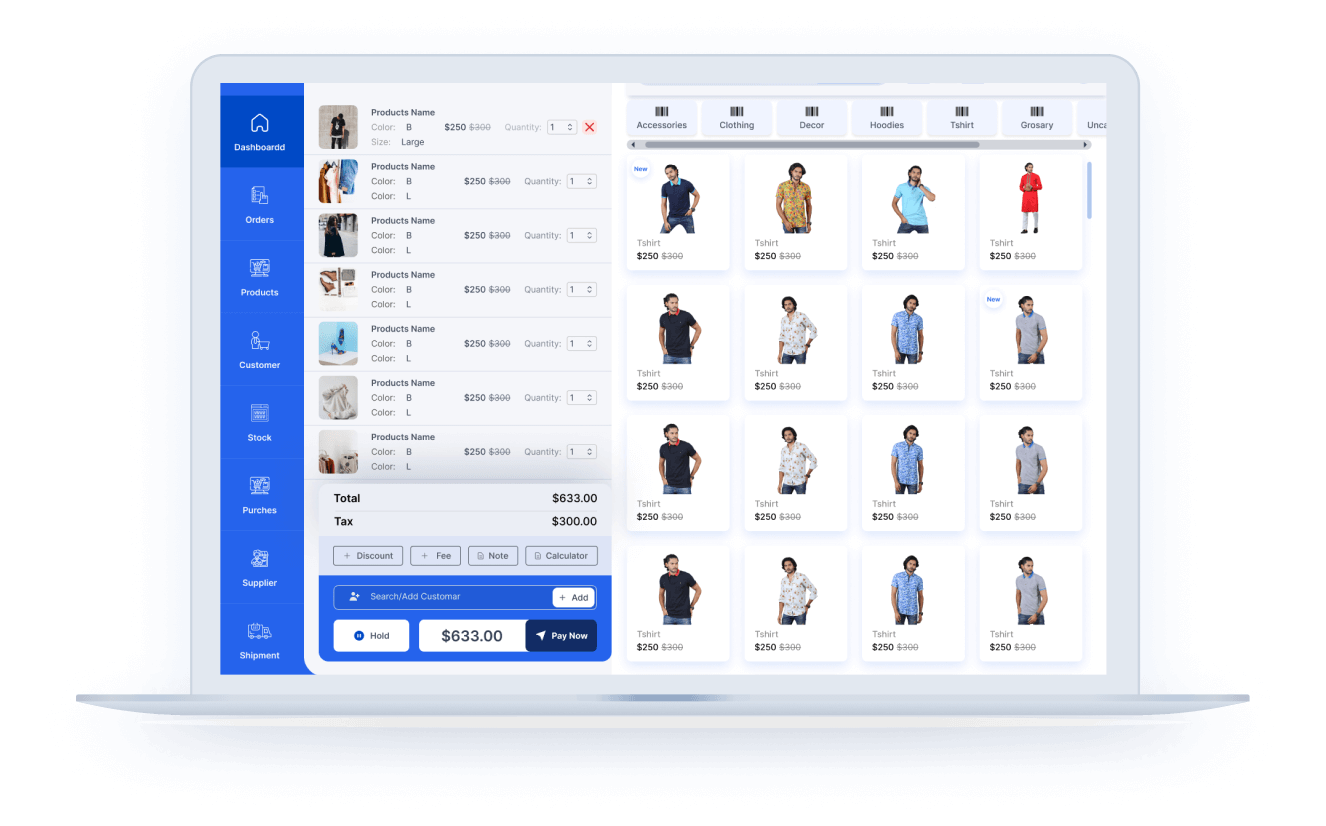
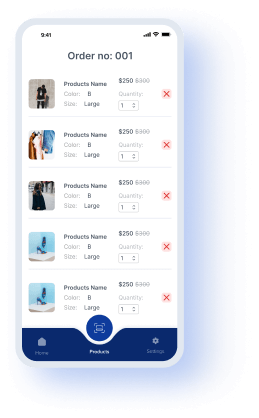
Appsbd offers all videos in a sequential order, making it easy for users to follow and understand how to use Vitepos step by step.
Qualityful records
Easy to Understand
Our Videos
Intro
Quick Install
POS Module
Dashboard
Order Details
Manage Products
Barcode Generator
Manage Customer
Manage Stock
Product Purchase
Manage Vendor
Manage User or Staff
Keyboard Shortcuts
Admin Dashboard
Role Access
Outlet Module
Admin Setting
Set User in Outlet
Set Tax Based on Outlet
Silent Print
Create Desktop App
What is New in Version 1.3
Translate by Loco Translator
Create Mobile App
What is New in Version 2.0
Barcode Custom Page Setup
Product Addon
Table Managment
Stock Management
Stripe Payment Setup
Pusher Settings
Restaurant Mode
Messaging and Chatting
Tax Calculation Methods
Custom Fields
Send Mail to Customer
Create Desktop and Mobile App Updated
Product Status
What is New in Version 2.0.2
Cart Item price customization
Item wise interaction in restaurant mode
Customer form customization
RTL Support
Send email to cashier
Custom field on Cart and invoice
Updated cash drawer settings, withdraw amount and barcode scanning
What is new in version 3.0
Updated Full Stock Management
Order Return and Refund
Stripe Terminal Setup
Custom Payment Method Setup
Support Vite Coupon Pro Addon
Product Hiding Feature in POS
Barcode Scanning Option in Various Section
Checking Stock of a Product in All Outlets
Sound Notification System in Restaurant Mode
Checkout with zero amount
Set Order Status in Grocery Mode
What is new in version 3.1.0
Vitepos Report
What is new in version 3.1.5
Order Token Number
Split Payment
What is new in version 3.2
Wallee Payment Terminal
Price Rounding
Waiter Tips in Restaurent
Product & Order Sync Settings
Import Roles From WordPress
Set Up Custom Barcodes
How to Use Rewards on Vitepos
Offline Mode - Vitepos
What's new in Version 3.3.0
WooCommerce Payment
Restaurant Basic Mode - Vitepos
End of the Day (EOD) Summary
VeriFactu Setup With VitePOS
Product Exchange Feature
Testimonials
What Clients Says
VitePOS is a good plugin
I like this plugin, and I'm glad I got as LTD. I am looking to set up a POS system for a restaurant and hoping it will support very soon.
Goher
Rated 5 out of 5
Beautiful and easy to use with my WooCommerce
I'm looking for a POS system that can interact with WooCommerce. After trying out several similar products on the market, I have finally added Vitepos to my wishlist. It is incredibly user-friendly, allowing shopkeepers to start using it smoothly...
dearsnailsau
Rated 5 out of 5
For me, VITEPOS will be the #1 Appsumo purchase
I've been looking for such a solution for a long time.
Will use for a butcher shop. an ingenious solution to use everything in one place.
I have a very good feeling about this deal.
Good job...
dortmunder
Rated 5 out of 5
Definitely the number 1 POS Plugin for Wodpress
Been developing wordpress sites for over 10 years now and this the most complete plugin for restaurants I have tested.
VITEPOS is a Point of Sale (POS) for WooCommerce, you can easily handle your local restaurant, also you can...
ker3consultoria
Rated 5 out of 5
Bambi
I was really pleasantly surprised with the ease of use, the simple connection to the website and the ability to take payments on the app, outstanding! This is a game changer for e-commerce sites with no bricks-and-mortar stores that do markets and...
bambi14
Rated 5 out of 5
POS at its best- easy and amazing
I couldn't believe that someone actually made an amazing POS which connects directly to woocommerce and can be actual front end POS.
The support is also very quick and efficient, I asked them for rewards and loyalty system and they already...
BruceWayne
Rated 5 out of 5
Me gusta mucho
Realmente me gusta mucho. Es cierto que necesita de un dominio y woocomerce, y aunque me gustaría que esto sea directo como una aplicación sin depender de lo anterior. me está ayudando en la administración de mi restaurante.
Espero ansioso las actualizaciones...
omar.patzi
Rated 5 out of 5
Great Product and Great Support
I’m using the Pro Version on my site, and it was working great, until after an update it created an issue with my Divi Theme. I let the support team know, and they worked really hard to solve it. Flawless products are great, but good support is priceless...
marceloortegam
Rated 5 out of 5
Awesome plugin and customer support
I have the pro version and so far it has exceeded my expectations.
Not to mention that the customer support is awesome.
I had some installation issues because of my WP setup and they were super supportive and fix it during the weekend!
🙂
denise8a
Rated 5 out of 5
just what was needed
This makes it easy to do farmer's markets, pop up markets, etc. It is just what was needed.
lweendollc
Rated 5 out of 5
Awesome Tool
This is a great tool, I am so excited to be able to catch this deal. It is a must and having a lifetime plan makes it worth wild.
lynea.bell
Rated 5 out of 5
All in one solution that is easy to setup.
I just started using Vitepos, a point-of-sale plugin for WooCommerce, and I am very impressed by it. Vitepos is a fully integrated POS system that works with my online store and syncs the data in real-time. It has a lot of features that make it a powerful POS solution,...
steven 16
Rated 5 out of 5
Awesome POS plugin
I tried some POS plugin, and this is the best.
– Fastest setup
– works in local network, don’t need SSL.
hqbeautyshop
Rated 5 out of 5
I like it a lot
I really like it a lot. It is true that you need a domain and woocommerce, and although I would like this to be direct as an application without depending on the above. He is helping me in the administration of my restaurant. I look forward to the updates.....
omar.patzi
Rated 5 out of 5
Excellent
Vitpos is truly amazing it is so much that you can do with setting up and fixing your store whether you need it online or offline. I'm so surprised! It's well worth the purchase. Also, I had problems with the installation of the plugin and they were so helpful and fixed my plugin...
Debra63257
Rated 5 out of 5
Easy, practical and visual
Vitepos is a very useful plugin for those who have an online store and want to integrate a point of sale (POS) system into their website. This plugin is easy to install and configure, and offers several customization options to fit the specific needs of each business....
RFL
Rated 5 out of 5
Powerful point-of-sale app
VitePos is a powerful point-of-sale (POS) app that helps us manage our sales, inventory, and customers. Being a WooCommerce plugin makes it easy to create a fully functional POS system for our online stores. VitePos allows us to manage multiple outlets....
tcarson
Rated 5 out of 5
POS system of the upper class
I have tried and tested various POS systems over a long period of time. Some of them were offered directly by CodeCanyon or by WordPress. Luckily I ended up here at Appsumo and was able to get to know Vitepos. The reason why I chose Vitepos is that the following....
Cagno0di
Rated 5 out of 5
Vitepos is the best POS plugin!
I have researched many POS options to work with WooCommerce, but none of them have the functions and features that Vitepos has at such a great price. I love how fully integrated Vitepos is with the online store, especially when tracking product inventory...
BradTech
Rated 5 out of 5
Getting Started is
Simple
There are no long-term contracts or surprises, So install and start selling in minute.
Yes, You can upgrade the package/license within 30 days by paying the difference. After 30 days you are not able to upgrade any package.
What if I am not satisfied with my service?
Customer satisfaction is important to us. We aim to provide you with a pleasant customer service experience. We offer a 30 days risk-free service. You can claim the refund within 30 days if you think this is not for you.
What types of printers are supported by Vitepos?
Vitepos supports all kinds of printers, Make sure it support your device where you want to connect and the browser.
What paper sizes are supported for printing?
Vitepos supports various paper sizes commonly used in receipt and invoice printing, including 80mm thermal paper rolls.
How do I troubleshoot printing issues in Vitepos?
If you encounter printing issues, you can troubleshoot by checking the printer connections, verifying that the printer drivers are up to date. Additionally, consult the Printer Vendor support documentation for specific troubleshooting steps.
I have an online store but I want to see online orders in VitePOS?
Yes, you can see all online orders, and also you can change the order status from VitePOS.
Does Vitepos have an Android or iOS app?
You have the flexibility to create an app for android and iOS using your mobile browser.
Does it have a customer view display?
You can view a display for your customer. For that, your customer can see which product he/she buys and how much money he/she has to pay.
Does Vitepos have a multiple outlet system?
Yes, you can easily manage the multi outlets and can track them easily.
Does it support a barcode scanner in mobile view?
Vitepos provide you with a fast responsive and effective product barcode scanner. Easily you can scan your product with the scanner. When you are on mobile, you don’t need a barcode scanner. Easily you can scan the barcode using your mobile camera.