
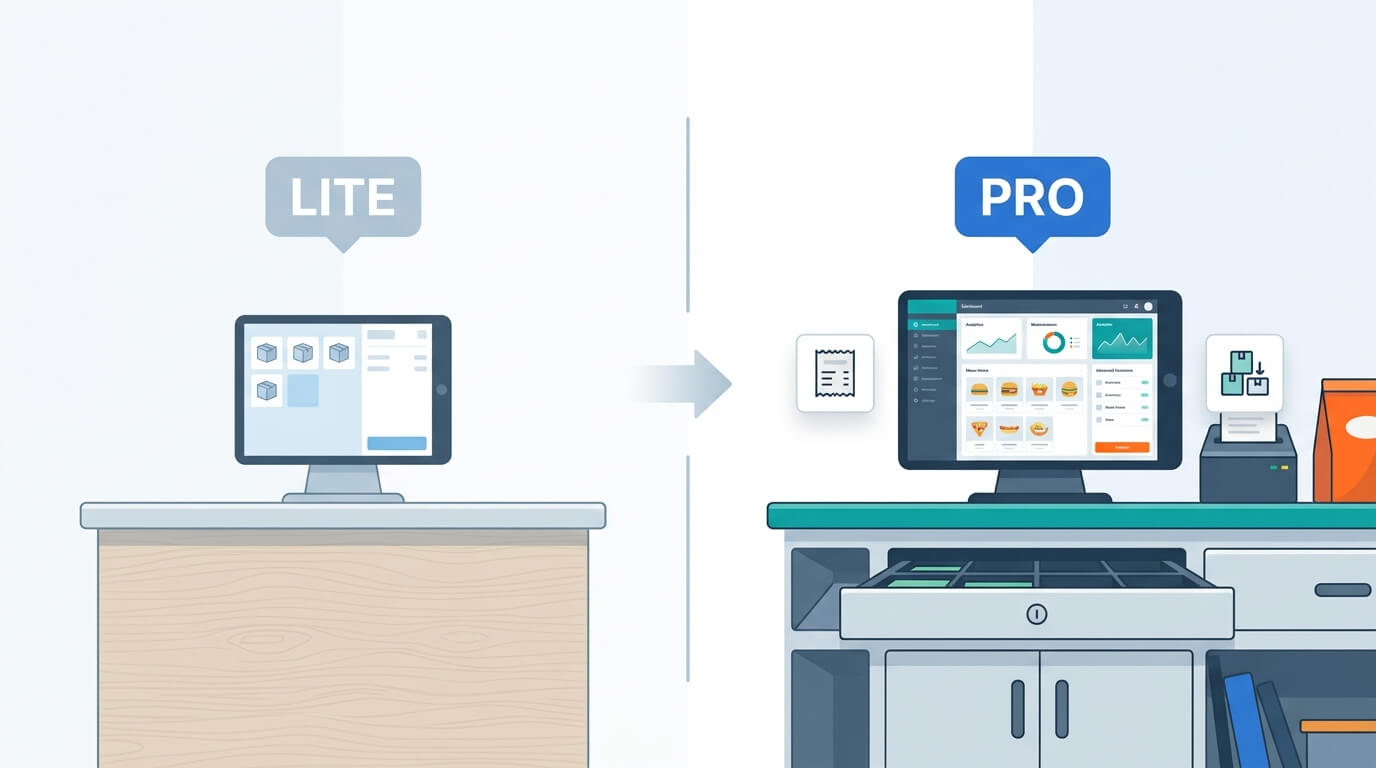
Vitepos is a point-of-sale plugin built for WooCommerce by Appsbd. It comes in two versions: Vitepos Lite, a free plugin listed on WordPress.org, and Vitepos Pro, a paid, single-purchase upgrade with additional modules. If you are comparing Vitepos Lite vs Pro, the decision usually comes down to what kind of business you run, how many locations you manage, and whether you need restaurant-specific tools like table management and kitchen panels.
This post goes through the Vitepos Lite vs Pro question feature by feature, so you can match the plan to your actual daily operations instead of guessing from a pricing page. Whether you run a single-counter shop or a multi-outlet restaurant chain, understanding Vitepos Lite vs Pro at the feature level, not just the price tag, is the more reliable way to pick a plan.

Why the Vitepos Lite vs Pro Question Matters
A POS plugin is not something most store owners want to swap out every few months, so getting the Vitepos Lite vs Pro decision right at the start saves time later. The two versions share the same checkout engine, so switching from Lite to Pro does not mean learning a new interface. What changes is the set of modules available underneath — restaurant coordination, multi-outlet stock movement, and reporting depth. Reading through the feature list once, before installing anything, is usually faster than testing Lite for a month and then discovering a needed feature sits behind the paid plan.
What Is Vitepos?
Vitepos is a WooCommerce POS plugin that turns an existing WooCommerce store into a point-of-sale system usable in a physical shop, restaurant, or market stall. It installs directly into WordPress, uses the store’s existing product catalog, and does not require moving to a separate e-commerce platform. The system is built as a single-page application on REST API, which the developer states makes product and customer search faster than a standard page-reload interface.
Two versions are available. Vitepos Lite is downloadable at no cost from WordPress.org. Vitepos Pro is a paid upgrade, sold as a single-site or five-site (developer) license, available on a yearly or lifetime basis. Because both versions are built on the same WooCommerce POS plugin codebase, moving between them later does not mean re-learning a new system. The rest of this article breaks down what each version includes, so the Vitepos Lite vs Pro comparison is grounded in specifics rather than marketing copy.
Vitepos Lite: What You Get for Free
Vitepos Lite is the free version of the plugin, and it is a fully working POS system on its own, not a stripped-down demo. It is the starting point for any Vitepos Lite vs Pro comparison, since it defines the baseline every Pro feature is measured against. According to its WordPress.org listing, this Vitepos free version includes:
- Outlet and counter management, so cashiers can be assigned to specific locations
- Custom invoice layout and design
- A choice between WordPress login or Vitepos’s built-in login for cashiers
- The ability to add and manage products directly from the POS screen
- Barcode scanning through a connected scanner or a device’s camera
- Cash drawer management
- Multi-language support through Loco Translate
- Customer management from the POS panel
For a single-location retail shop that needs a working checkout counter connected to WooCommerce, Vitepos Lite alone may cover the basics. Anyone asking is Vitepos Lite free forever can check this directly: the plugin is listed under WordPress’s standard GPL license on WordPress.org, with no trial period or expiration date attached to the free download itself. This is the starting point for most of the Vitepos Lite vs Pro conversation — Lite is not a time-limited trial, it is a permanently free product with a smaller feature set than Pro.

Vitepos Pro: What the Paid Plan Adds
Vitepos Pro builds on the same core POS engine and adds modules aimed at businesses with more complex operations: multiple outlets that need stock transfers between them, restaurants that need kitchen and waiter coordination, and stores that need deeper reporting and payment options. Based on the official features and pricing pages at vitepos.com, the Vitepos Pro features that go beyond Lite include the following. Understanding these Vitepos Pro features in detail is the core of any honest Vitepos Lite vs Pro comparison, since the plan names alone do not explain what changes operationally:
Restaurant and food-service tools. Three POS modes are available: Grocery, Restaurant (pay first), and Restaurant (traditional), plus a Basic restaurant mode where the cashier handles order creation directly. The restaurant modes include a Waiter Panel for taking orders and booking tables, a Kitchen Panel where kitchen staff accept, deny, or mark orders ready, and a Cashier Panel for taking payment once an order is served. Table management lets you create and edit tables, set seating capacity, and mark tables as dine-in or parcel. Add-on management lets menu items carry extra selectable options. A token system tracks order status, and table QR/barcode codes let customers scan to view a menu or call staff.
Full multi-outlet stock management. Vitepos Pro supports three stock modes: WooCommerce stock (a single stock figure synced with the online store), outlet-wise stock (separate inventory per physical location), and online stock linked to one specific outlet. Stock can be transferred between outlets, requested from another outlet, and accepted or declined on arrival. A price update list flags products when the purchase price changes, and a stock view shows inventory across every outlet from one screen.
Advanced reporting. Beyond a basic sales view, Vitepos Pro includes a Dashboard, Daily Sales tracking, product performance reports, customer behavior data, staff performance reviews, cash drawer logs (showing who opened or closed a drawer and when), and an End of Day (EOD) report that totals transactions by payment method and calculates the expected cash balance for reconciliation.
Additional payment methods. On top of standard WooCommerce payment gateways, Vitepos Pro adds Stripe integration, Stripe Terminal for physical card readers, Wallee Payment Terminal, and custom payment methods for things like bank transfers or mobile banking apps. Split payment across more than one method at checkout is also included.
Messaging and notifications. Waiters, kitchen staff, cashiers, and admins can send messages to each other inside the system, and an optional Pusher-based push setting adds real-time updates for stock changes, order status, and messages.
Branding and customization. Invoices can carry a logo, custom footer text, and barcodes or QR codes in the header or footer. The barcode generator can print codes with the shop’s logo, name, and price, with adjustable page size and margins. Custom fields can be added to customer forms, user forms, and the order cart.
Access and role tools. Vitepos Pro includes a role import feature that pulls existing WordPress user roles (Shop Manager, Cashier, Waiter, and so on) directly into the plugin’s permission system, along with the ability to assign specific users to specific outlets.
Premium support. Paid licenses come with direct support from the development team, rather than relying solely on the WordPress.org community forum used for the free version.

Setup and Installation: Vitepos Free Version vs Paid
Installing the Vitepos free version follows the same steps as any WordPress plugin: download it from WordPress.org, upload it to the Plugins section, activate it, and connect it to an existing WooCommerce store. No license key is required, since the free version does not check for one. Within a few minutes, a cashier can open the POS screen and start processing sales against the store’s existing product catalog.
Moving from the Vitepos free version to Pro adds one extra step: entering a license key in the plugin’s settings after purchase. The underlying plugin files are largely the same, with Pro unlocking the additional modules described above rather than replacing the interface. This is one reason the Vitepos Lite vs Pro transition tends to be smoother than switching between two entirely separate POS products — outlets, products, and customers already set up in Lite carry over directly once Pro is activated.
For a business still deciding between the two, installing the Vitepos free version first and running it for a real shift or two is a reasonable way to confirm the checkout workflow fits before spending on the paid license.
Vitepos Restaurant Mode: A Closer Look at Lite vs Pro
Restaurant and cafe owners tend to ask a more specific version of the Lite vs Pro question: does Vitepos restaurant mode work the same on both plans? Based on the vendor’s feature and pricing pages, it does not. The free version supports the general POS checkout flow but does not include the dedicated Vitepos restaurant mode tools — Waiter Panel, Kitchen Panel, table management, or order tokens.
On the Pro plan, Vitepos restaurant mode covers three configurations: pay-first (customers pay before being seated), traditional (a waiter takes the order and the kitchen prepares it before payment), and a basic mode where the cashier manages order creation directly with waiters assisting. Each mode changes how orders move between staff roles, but all three rely on the same underlying table management and kitchen panel tools.
For a coffee shop or quick-service counter where staff take payment immediately, the gap between Lite and Pro may matter less. For a sit-down restaurant coordinating between waiters and a kitchen, the Vitepos restaurant mode features are close to essential, which is why Vitepos Pro vs Lite for restaurants is usually not a close call — most full-service restaurants end up on Pro.
Vitepos Lite vs Pro: Feature Comparison Table
The table below summarizes the Vitepos Lite vs Pro feature comparison across the areas most business owners ask about, condensing the Vitepos Pro features described above into a single reference.
| Feature Area | Vitepos Lite | Vitepos Pro |
|---|---|---|
| Cost | Free | One-time paid license (yearly or lifetime) |
| Outlets and counters | Included | Included, plus per-outlet user assignment |
| Barcode scanning (scanner/camera) | Included | Included |
| Offline mode | Not included | Included |
| Cash drawer | Included | Included, plus single/multiple drawer modes and drawer logs |
| Customer management | Included | Included, plus customer form customization |
| Restaurant modes (waiter, kitchen, cashier panels) | Not included | Included |
| Table management and QR ordering | Not included | Included |
| Multi-outlet stock transfer | Not included | Included |
| Advanced reporting (EOD, staff, customer behavior) | Basic view only | Full reporting suite |
| Stripe Terminal / Wallee Terminal payments | Not included | Included |
| Custom payment methods | Not included | Included |
| Messaging between staff roles | Not included | Included |
| Barcode generator with logo and price | Not included | Included |
| Custom fields on forms | Not included | Included |
| Role import from WordPress | Included | Included |
| Support | Community forum | Premium/direct support |
If you need to confirm the exact line-by-line gating before making a purchase decision, vitepos.com maintains a live comparison table on its pricing page, which is worth checking directly since plugin features are updated over time.
Vitepos Pricing: Current Plans
Vitepos pricing for the Pro version is structured around site count and billing term rather than a tiered feature ladder — every Pro purchase includes the same feature set, and the number of sites you can activate it on changes with the plan. With these Vitepos Pro pricing plans compared directly against Lite’s zero cost, the real question for most owners is not whether Pro is “worth it” in the abstract, but whether the specific Vitepos Pro features above match a real operational need. As of the current pricing page, the options are:
- Single Site, Yearly: $79/year (listed at $149)
- Developer (5 Sites), Yearly: $149/year (listed at $299)
- Single Site, Lifetime: $299 one-time (listed at $359), with one year of premium support included
- Developer (5 Sites), Lifetime: $499 one-time (listed at $599), with one year of premium support included
Vitepos Lite remains free and can be installed on an unlimited number of sites, since it is distributed under WordPress’s open-source licensing terms. Pricing and current promotional discounts should be confirmed on the official pricing page before purchase, since vendors update these figures periodically. For any store owner researching Vitepos Pro pricing plans compared against ongoing subscription-based POS software elsewhere, the one-time cost structure of this WooCommerce POS plugin is one of the more frequently mentioned differences in user reviews.
Vitepos also states a 30-day refund policy on paid licenses and allows an upgrade from a lower tier to a higher one within 30 days by paying the price difference.
With four Vitepos pricing plans compared side by side, the practical choice usually comes down to two questions: how many WordPress sites need the license, and whether a yearly or lifetime payment makes more sense for the business’s cash flow. A single-location shop testing Pro for the first time has less to lose with the Single Site Yearly plan. An agency or a business already confident it wants Vitepos Pro features long-term, and running more than one site, is better served by the Developer Lifetime option, since it removes the recurring renewal entirely.
Vitepos Lite vs Pro: A Few Real Business Scenarios
Reading a feature table is one thing; matching it to an actual business is another. A few examples make the Vitepos Lite vs Pro decision more concrete:
- A single-counter clothing boutique selling only in one physical location, with no restaurant workflow and no need to move stock between outlets, can run indefinitely on Vitepos Lite. The core checkout, barcode scanning, and offline mode cover what the shop needs day to day.
- A two-location grocery store that needs to move stock from a warehouse-style outlet to a storefront outlet needs the stock transfer tools that sit in Pro. Lite’s outlet management alone does not include transfer, request, or accept/decline stock workflows between locations.
- A dine-in restaurant with waiters taking orders at the table and a kitchen preparing food needs Vitepos restaurant mode, which is a Pro-only feature set. Attempting to run full table service on Lite would mean tracking orders and kitchen status outside the plugin entirely.
- A pop-up market vendor selling at weekend markets with no reliable internet connection benefits from offline mode, which is included in both Lite and Pro, meaning this specific need does not by itself justify the upgrade.
- A multi-outlet retail chain wanting daily End of Day reports for cash reconciliation across every location needs the reporting module that comes with Pro, since Lite’s reporting view is more limited.
Running through scenarios like these, rather than comparing the plans in the abstract, tends to make which Vitepos plan is right for your business a much shorter conversation.
Which Vitepos Plan Is Right for Your Business?
Which Vitepos plan is right for your business depends less on business size and more on the specific operations you run day to day. This section of the Vitepos Lite vs Pro guide breaks the decision down by scenario rather than by plan name. Below are common scenarios.
Choose Vitepos Lite if:
- You run a Multi-location retail shop or a small market stall
- Your main need is a working checkout connected to your existing WooCommerce catalog
- You do not need restaurant-specific workflows like kitchen tickets or table assignment
- You do not need to transfer stock between multiple physical locations
- Budget is the primary constraint and you are willing to manage without advanced reporting or role import tools
Choose Vitepos Pro if:
- You operate a restaurant, cafe, or food-service business that needs waiter, kitchen, and cashier coordination
- You run more than one physical outlet and need to move stock between them
- You want detailed reporting, including an End of Day report for cash reconciliation
- You need card payment processing through Stripe Terminal or a similar terminal integration
- You want direct, premium support rather than relying on a community forum
- You need custom fields, barcode branding, or role import from WordPress for a more structured staff setup
Vitepos Pro vs Lite for Restaurants
For food-service businesses specifically, Vitepos Pro vs Lite for restaurants is not a close comparison. The restaurant-specific tools — Waiter Panel, Kitchen Panel, table management, order tokens, and table QR codes — are part of the Pro plan, based on the vendor’s feature and pricing pages. A restaurant relying only on Vitepos Lite would need to manage seating, kitchen communication, and order status outside the plugin, which removes much of the operational benefit of using a POS system built for that purpose. Businesses running dine-in, pay-first, or traditional table service should plan on the Pro license from the outset.

How to Upgrade from Vitepos Lite to Pro
Businesses that start with Vitepos Lite are not locked out of Pro later, and this is one of the more practical parts of the Vitepos Lite vs Pro relationship — the free plan is a legitimate on-ramp, not a dead end. The typical path is:
- Install and use Vitepos Lite to confirm it fits the basic checkout workflow
- Purchase a Vitepos Pro license (single-site or developer/five-site) from vitepos.com
- Activate the license key inside the WordPress plugin settings
- Configure the newly available modules — restaurant mode, stock transfer, reporting, and payment terminals — based on which ones apply to the business
No data migration is required between Lite and Pro, since Pro is an extension of the same plugin rather than a separate product.
Yes. Vitepos Lite is distributed on WordPress.org under an open-source license, with no expiration date or trial period attached to the free download.
Yes, according to Vitepos’s official FAQ, you can upgrade your package within 30 days of purchase by paying the price difference. After 30 days, upgrading is not available.
Vitepos offers a 30-day refund policy on its premium licenses, according to the vendor’s stated policy.
Vitepos states it supports all common receipt and invoice printers, as long as the printer is compatible with the device and browser being used, including standard 80mm thermal paper rolls.
Yes. Both the online order list and the ability to update an order’s status from within Vitepos are part of the plugin, based on the vendor’s stated feature set.
There is no dedicated native app listed; the vendor states the POS interface can be accessed and used through a mobile browser on Android or iOS devices.
Yes. A customer display screen is available that shows the products in the cart, applied discounts, and the total amount due.
Yes. Outlet and counter management is included in both Lite and Pro, with Pro adding stock transfer between outlets and reporting broken down by location.
Yes. Vitepos supports scanning through a connected barcode scanner or through a mobile device’s built-in camera, without requiring separate scanning hardware.
The main difference is access to Vitepos restaurant mode. Lite covers general checkout, while Pro adds the Waiter Panel, Kitchen Panel, table management, and order tokens needed to run dine-in service.
Not necessarily. If the business does not need multi-outlet stock transfer, restaurant coordination, or advanced reporting, Vitepos Lite may cover daily operations without an upgrade.
Final Thoughts
The Vitepos Lite vs Pro decision is mostly a question of operational complexity rather than store size alone. A single-counter retail shop with straightforward checkout needs can run comfortably on the free Lite version indefinitely. A restaurant needing kitchen coordination, a multi-outlet retailer needing stock transfers, or any business wanting detailed daily reporting and card-terminal payments will need the Pro license to access those specific modules. Reviewing the feature-by-feature breakdown above against your actual daily workflow — rather than the plan names themselves — is the more reliable way to answer which Vitepos plan is right for your business.
As a WooCommerce POS plugin, both versions of Vitepos start from the same checkout foundation, which means testing Lite first carries little downside. If the free plan’s limits show up in daily use — no restaurant panels, no stock transfer between outlets, no End of Day report — that gap itself is the clearest signal that the Vitepos Lite vs Pro upgrade is worth the cost for that specific business.
Subscribe
To get news about new releases, Updates, Blog Post, Deals and Discounts
Like this content? Want to share it with others
Vitepos Related Plugins

Vite Coupon
Vite Coupon is a comprehensive coupon management system designed to simplify the creation, distribution, and tracking of discount coupons for online businesses. This plugin integrates seamlessly with various e-commerce platforms, offering a user-friendly interface and robust features to enhance promotional strategies.

Vitepos User & Kiosk App
Vitepos User App is an addon that lets customers place orders directly, making shopping and dining faster and more convenient. Guests can scan a table QR code to view menus and order instantly, with orders processed by the Vitepos Core App for smooth workflow. It also supports kiosk devices, enabling self‑service stations for quicker service.

Vite Rewards
Vite Rewards is a comprehensive loyalty points plugin designed to incentivize customer engagement and boost sales on your WooCommerce store. With a wide range of features, ViteRewards allows you to reward customers for various actions and interactions, creating a more engaging shopping experience.

Mini Cart Drawer
It is a compact and user-friendly shopping cart solution that enhances the shopping experience by allowing customers to view and manage their cart directly from any page without navigating away. It integrates seamlessly with your website, improving convenience and boosting conversions.

