
Introduction
If you run a WooCommerce store and also sell in person, you have probably looked at Shopify POS at some point. It is well-known, well-marketed, and appears on top of nearly every search result for retail POS systems. But once you dig into the actual pricing, the monthly fees per location, and the platform lock-in it requires, many WooCommerce store owners start looking for something else.
That is where Vitepos vs Shopify POS becomes a real conversation worth having.
Vitepos is a WooCommerce POS system built as a WordPress plugin. It connects directly to your existing WooCommerce store without requiring you to migrate your products, customers, or order history to a new platform. The comparison between Vitepos and Shopify POS comes down to a few clear differences: pricing structure, platform dependency, feature depth, and who each tool is actually built for.
This post walks through both systems side by side. By the end, you will have a clear picture of what each POS offers, what it costs, and which one makes more sense for your business.
What Is Shopify POS?
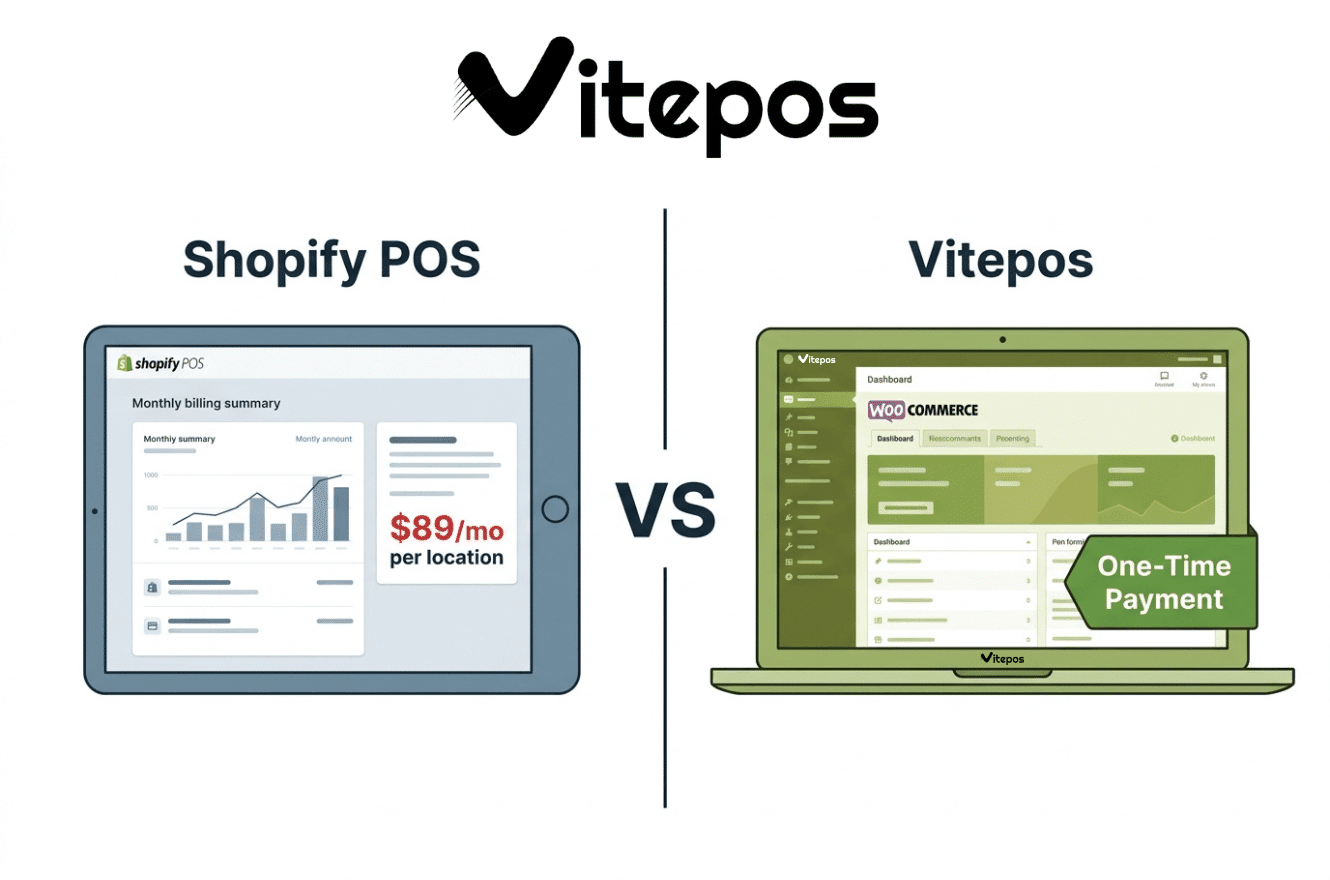
Shopify POS is the in-person selling arm of the Shopify e-commerce platform. It comes in two tiers: POS Lite and POS Pro. POS Lite is included with every Shopify plan at no extra charge, but it covers only basic selling — card payments, simple customer profiles, and limited returns. POS Pro adds staff permissions, advanced inventory management, in-store analytics, buy-online-pick-up-in-store (BOPIS), and exchanges. POS Pro costs $89 per month per location.
Shopify POS runs on the Shopify platform exclusively. If your store is on WooCommerce, Squarespace, or any other platform, you cannot use Shopify POS without migrating your entire store to Shopify first. This is a hard requirement, not an option. Shopify Payments, which eliminates the extra transaction surcharge, is available in 39 countries as of 2026.
The base Shopify plan starts at $39 per month. Add POS Pro at $89 per month per location and you are already at $128 per month for a single store location, before hardware costs and transaction fees. A two-location setup jumps to $217 per month for software alone. Five locations push the monthly software bill to over $500.

What Is Vitepos?
Vitepos is a POS plugin for WooCommerce developed by Appsbd. It installs directly into your WordPress and WooCommerce setup. There is a free version, Vitepos Lite, available on WordPress.org. The premium version is a one-time purchase — no monthly subscription, no per-location fee, no recurring software cost.
Because Vitepos is a WooCommerce POS system, it uses your existing WooCommerce product catalog, customer list, payment gateways, and inventory data. There is nothing to migrate. You install the plugin, configure your outlets and counters, and you are selling in person within minutes.
Vitepos has 52+ reviews on WordPress.org with a consistently strong rating.

Vitepos vs Shopify POS: Pricing Comparison
This is the clearest difference between the two.
Shopify POS pricing:
- Shopify Basic plan: $39/month
- POS Pro: $89/month per location
- Single store total (software only): $128/month
- Two stores: $217/month
- Five stores: $484/month
- Transaction fees: 2.6% + $0.10 per transaction on Basic plan (using Shopify Payments)
- Hardware: sold separately, starting at $49 for a card reader
Vitepos pricing:
- Lite version: Free
- Premium version: One-time payment (currently listed from $79/year for a single site, with lifetime deal options at around $299)
- No per-location fees
- No monthly subscription
- Transaction fees: uses your WooCommerce payment gateways directly — no fee added by Vitepos itself
When comparing Vitepos vs Shopify POS on cost alone, a WooCommerce store owner who already has a WordPress site can add full POS capability without a monthly platform fee. A single Shopify POS Pro location costs more per year in software fees than a Vitepos lifetime license.
For multi-location retailers on WooCommerce, the difference compounds. Vitepos supports unlimited outlets and counters regardless of your license tier. Shopify POS charges $89/month for each additional physical location.
Vitepos vs Shopify POS: Platform Requirements
Shopify POS requires a Shopify store. Full stop. If you are on WooCommerce, you cannot use Shopify POS. Switching to Shopify means migrating your product catalog, customer database, order history, and any existing integrations. Depending on the size of your store, that migration is a significant undertaking. Once on Shopify, you are locked into Shopify’s ecosystem, pricing, and feature roadmap.
Vitepos requires WordPress and WooCommerce. If you already run a WooCommerce store — which is one of the most common e-commerce setups in the world — Vitepos installs like any other plugin. Your existing products, categories, customers, and payment gateways are available in the POS immediately. There is no migration, no new platform to learn, and no vendor lock-in beyond your existing WooCommerce setup.
For WooCommerce store owners evaluating Vitepos vs Shopify POS, platform compatibility is often the deciding factor before price even enters the conversation.
Feature-by-Feature Comparison: Vitepos vs Shopify POS
Below is a comparison of features that matter to retailers. For Vitepos, the information is drawn from the official features page at vitepos.com/features/. Shopify POS feature availability is based on the POS Pro tier, since Lite lacks most advanced retail features.
Inventory Management
Shopify POS Pro includes inventory management across locations, low stock alerts, purchase orders, and stocktakes. Inventory syncs between your Shopify online store and in-person locations automatically.
Vitepos includes full stock management covering multiple stock modes: WooCommerce stock (single stock synced with your online store), outlet-wise stock (separate stock per location), and online stock linked to a specific outlet. You can transfer stock between outlets, receive stock from other outlets, accept or reject incoming transfers, and set a purchase price when adding stock. It also has a price update list for when purchase prices change. The system supports GTIN, UPC, EAN, and ISBN scanning. Vitepos also shows all outlet product stocks from a single view.
Both systems handle multi-location inventory, but Vitepos gives you more detailed control over how stock is separated and transferred between locations.
Staff and Role Management
Shopify POS Pro gives you unlimited staff accounts, individual staff PINs, and role-based permissions to control what employees can access in the system.
Vitepos has a full Access Control Level (ACL) system where you can assign roles including Cashier, Manager, Store-Keeper, and Admin. Each role has granular permission settings for every operation. You can also import existing WordPress user roles directly into Vitepos, which is useful if your team already has WordPress accounts with defined roles.
Both handle staff management. Vitepos adds the ability to set users per outlet and import from WordPress.
Multi-Location Support
Shopify POS supports multiple locations, but each location on POS Pro costs an additional $89/month. The system manages inventory and reporting across locations through a unified Shopify back office.
Vitepos supports unlimited outlets and counters. You can create as many physical locations as your business requires. Each outlet can have its own tax rates, stock levels, assigned users, cash drawers, and counters. There is no additional cost for adding outlets.
On the specific question of multi-location support in Vitepos vs Shopify POS, the pricing difference is substantial. Five locations on Shopify POS Pro cost $445/month in POS software fees. Five locations on Vitepos cost nothing extra.
Payment Processing
Shopify POS accepts credit and debit cards, digital wallets, cash, gift cards, and tap-to-pay. It uses Shopify Payments for integrated processing. If you use a third-party payment processor, Shopify charges an additional transaction surcharge on top of the processor’s fees. Shopify Payments is available in 39 countries.
Vitepos supports cash, card (through Stripe integration), Stripe Terminal for physical card readers, and custom payment methods. It also supports all WooCommerce payment gateways. Split payment and single payment are both available at checkout. You can enable or disable individual payment methods per outlet through the payment settings panel. Vitepos also supports Wallee Payment Terminal. Since Vitepos does not process payments itself, it does not charge any per-transaction fee on top of your gateway’s rates.
Offline Mode
Shopify POS has limited offline functionality. The system requires an internet connection for most operations. Offline mode exists but has restricted features.
Vitepos has a full offline data store. The POS can take orders and store data locally when there is no internet connection. When the connection returns, data syncs automatically to the cloud. This is a meaningful advantage for businesses in areas with unreliable internet or for pop-up sellers at markets and events.
Restaurant and Food Service Mode
Shopify POS is designed primarily for retail. It does not have built-in restaurant modes, table management, kitchen panels, or waiter workflows. These require third-party apps from the Shopify App Store, which add to the monthly cost.
Vitepos has three POS modes built in: Grocery, Restaurant (pay first), and Restaurant (traditional). The restaurant modes include a Waiter Panel for taking orders and booking tables, a Kitchen Panel where chefs manage order status, a Cashier Panel for processing payments, and a Customer Display showing cart totals. Table management allows you to create, update, and delete tables, set seating capacity, and designate tables as parcel or dine-in. The system also includes add-on management for menu customization, sound settings for kitchen notifications, a token system for order tracking, and table QR/barcode generation for customer self-service ordering. Waiter tips are also supported.
For restaurant and cafe owners evaluating Vitepos vs Shopify POS, Vitepos has these features built into the core product. Shopify POS requires third-party integrations for restaurant functionality.
Barcode and Product Search
Shopify POS supports barcode scanning through a connected scanner or the device camera. Products can be searched by name, SKU, or barcode.
Vitepos supports barcode scanning with a dedicated scanner or the device camera. It also has a built-in barcode generator that can print barcodes with your store logo, shop name, and price. You can create custom barcode pages with adjustable page size, margin, padding, font size, and barcode dimensions. Products can be searched by ID, SKU, name, or scan. Vitepos supports GTIN, UPC, EAN, and ISBN identifiers.
Receipts and Invoices
Shopify POS generates receipts that can be printed or emailed. Basic receipt customization is available.
Vitepos has detailed receipt and invoice customization. You can add your brand logo, set footer greetings, add barcodes or QR codes to invoices (in header or footer), configure separate tax display, add custom fields to the cart and invoice, and set default customers for orders. Silent printing is available, which sends receipts to the printer automatically without a print dialog. Vitepos supports 80mm thermal paper and various other paper sizes.
Analytics and Reporting
Shopify POS Pro includes detailed sales reporting, staff performance reports, product performance data, and customer insights. Reports are accessible from the Shopify admin dashboard.
Vitepos has a reporting module covering: a Dashboard with real-time sales and trends, Daily Sales tracking, Product reports for stock and top sellers, Customer behavior analysis, and Staff performance review. It also generates an End of Day (EOD) report that summarizes transactions by payment method, expected cash balance, and total daily sales for reconciliation. Cash drawer logs show who opened each drawer, when, and with what balances.
Additional Vitepos Features Not Available in Shopify POS
Several Vitepos features have no direct equivalent in Shopify POS:
- Hold Cart (Queue System): You can pause a customer’s cart and serve the next customer without losing data.
- Price Customization in Cart: Edit item prices directly in the cart at the time of sale without changing the product’s base price.
- Favorite Products: Mark frequently sold products as favorites so they appear first in the POS product grid.
- Multiple Color Themes: Choose from multiple interface color schemes.
- RTL Language Support: Full right-to-left support for Arabic, Hebrew, Persian, and other RTL languages.
- HPOS Support: Compatible with WooCommerce High-Performance Order Storage.
- Custom POS Modes: Switch between Grocery, Restaurant Pay-First, Restaurant Traditional, and Basic Restaurant modes.
- Messaging Between Staff: Waiters, chefs, cashiers, and admins can send messages to each other within the system.
- Plugin Conflict Resolution: Built-in setting to skip incompatible plugins during POS requests, improving performance and stability.
- WooCommerce Cost of Goods Integration: Uses WooCommerce Cost of Goods data as the purchase price for smarter inventory valuation.
- Product and Category Hide on POS: Hide specific products or entire categories from the POS screen without removing them from WooCommerce.
- Product/Item Exchange: Handle product exchanges directly from the POS.
- Tax Summary on Receipt: Display a detailed tax breakdown on every receipt.
- Round Up Transaction Totals: Automatically round the final bill to the nearest whole number.
- Kiosk App: Self-service ordering system for tablets (available as an add-on).
- User App: Customer-facing app for browsing products and placing orders (available as an add-on).
- Single Cash Drawer / Multiple Cash Drawer Modes: Control whether a counter allows one or multiple simultaneous cash drawers.
- Sync Scheduling: Set specific times for automatic product and order sync across branches.
- Desktop App Creation: Install the POS as a desktop app from the browser.
Who Should Use Shopify POS?
Shopify POS is the right choice if:
- Your store is already on Shopify and you want a seamlessly integrated POS.
- You are starting a new retail business and plan to build on Shopify from the beginning.
- You need access to the broad Shopify App Store ecosystem for specific integrations.
- You are a high-volume retailer on Shopify Plus, where POS Pro is included for up to 20 locations.
Shopify POS is not a fit for WooCommerce store owners who do not want to migrate platforms. It is also expensive for multi-location retailers who are not on the Plus plan.
Who Should Use Vitepos?
Vitepos is the right choice if:
- Your store runs on WooCommerce and you want a POS plugin for WooCommerce without migrating to another platform.
- You want a one-time payment instead of a monthly subscription.
- You run multiple physical locations and do not want to pay per-location POS fees.
- You operate a restaurant, cafe, or food service business and need table management, kitchen panels, and waiter workflows built into your POS.
- You need offline selling capability.
- You sell in regions where Shopify Payments is not available.
- You want RTL language support.
- You need granular stock management across outlets with stock transfer between locations.
The core case for switching from Shopify POS to Vitepos is this: if your store is on WooCommerce, Vitepos works with what you have, costs far less over time, and includes more built-in features for both retail and restaurant operations.
Real-World Cost Comparison Over 3 Years
To show the actual financial difference in Vitepos vs Shopify POS, here is a straightforward cost calculation for a small retail business with one physical location selling in person.
Shopify POS Pro (1 location, Basic plan):
- Year 1: $128/month × 12 = $1,536/year
- Year 2: $1,536
- Year 3: $1,536
- 3-year total (software only): $4,608
- Plus: transaction fees on every sale, hardware costs
Vitepos (1 location, WooCommerce already set up):
- Yearly $79 and Lifetime premium license: approximately $299 for single site both.
- WordPress/WooCommerce hosting: already paid (separate cost)
- 3-year total (software only): yearly $79*3=$237.
- Plus: payment gateway fees (your existing WooCommerce gateway rates)
For a five-location business over three years, Shopify POS Pro software costs alone would reach approximately $16,020 ($484/month × 12 × 3). Vitepos has no per-location fee.
This is the most straightforward reason why WooCommerce store owners are switching from Shopify POS to Vitepos. The cost difference is real and it compounds every year.
Migration: Switching from Shopify POS to Vitepos
Switching to Vitepos is straightforward if you are already on WooCommerce. The steps are:
- Install WordPress and WooCommerce (if not already done)
- Install the Vitepos plugin from WordPress.org (Lite) or from vitepos.com (Premium)
- Configure your outlets and counters in the Vitepos admin panel
- Assign users and roles per outlet
- Set up payment methods, tax rules, and receipt customization
- Connect a barcode scanner or use the device camera
- Start selling
Your existing WooCommerce product catalog syncs automatically. If you are migrating from Shopify, you will need to export your products and customers from Shopify and import them into WooCommerce first. WooCommerce has migration tools and third-party migration plugins for this purpose.
If you are currently on Shopify and your primary concern is Shopify POS pricing, switching to WooCommerce with Vitepos is an option that many store owners have taken.
Frequently Asked Questions (FAQ)
No. but in future may Vitepos developer make an app for Shopify store. For now, Vitepos is a WooCommerce plugin. It works only with WordPress and WooCommerce. If your store is on Shopify, you would need to migrate to WooCommerce to use Vitepos. Shopify POS is the native solution for Shopify stores.
Vitepos itself does not charge any transaction fee. You pay only the standard fees of your WooCommerce payment gateway (such as Stripe or PayPal). Shopify charges a per-transaction fee through Shopify Payments and an additional surcharge if you use a third-party processor.
Yes. Vitepos stores data locally when there is no internet connection. When the connection is restored, the data syncs automatically. Shopify POS has limited offline functionality.
Yes. Vitepos has dedicated restaurant modes including traditional restaurant mode with a Waiter Panel, Kitchen Panel, Cashier Panel, and table management. Shopify POS does not have built-in restaurant functionality.
Vitepos supports unlimited outlets and counters. There is no per-location fee regardless of how many physical stores you operate. Shopify POS Pro costs $89 per month for each additional location.
Vitepos supports cash, Stripe, Stripe Terminal, Wallee Payment Terminal, all WooCommerce payment gateways, and custom payment methods (such as bank transfer or mobile banking). Split payment across multiple methods is also supported.
Yes. Vitepos Lite is the free version available on WordPress.org. You can install it and test the features before purchasing the premium version. Vitepos also offers a 30-day refund policy on the premium license.
Yes. Vitepos supports any language. You can use LocoTranslate to translate the plugin into your language. It also has full RTL support for right-to-left languages such as Arabic and Hebrew
For an existing WooCommerce store, Vitepos is the practical choice. It works within your current setup, has no monthly software fee, and includes features like offline mode and restaurant support that Shopify POS charges extra for or does not offer at all. The direct comparison of Vitepos vs Shopify POS for WooCommerce stores consistently favors Vitepos on cost and compatibility.
Yes. Vitepos offers both Single Cash Drawer and Multiple Cash Drawer modes. In multiple drawer mode, cashiers can maintain their own drawers independently on the same counter.
Vitepos includes a Dashboard, Daily Sales reports, Product performance reports, Customer behavior reports, Staff performance data, Cash Drawer logs, and an End of Day (EOD) report summarizing transactions by payment method.
Conclusion
The comparison of Vitepos vs Shopify POS is not close when your store is on WooCommerce. Shopify POS requires you to move your entire business to Shopify and then pay $89/month per location on top of your Shopify subscription. Vitepos installs as a plugin into your existing WooCommerce store, costs a one-time fee, supports unlimited outlets, and includes restaurant-specific features, offline mode, advanced stock management, and granular role control — all without a recurring monthly bill.
If you are a WooCommerce store owner looking for a best POS system for WooCommerce, Vitepos is built exactly for that situation. The pricing is transparent, the features are extensive, and the free Lite version lets you test everything before committing.
For store owners currently paying for Shopify POS Pro, the math on switching to Vitepos becomes compelling within the first year — and increasingly clear every month after that.
Visit vitepos.com to start with the free version or review the premium pricing.
This article compares Vitepos vs Shopify POS based on publicly available information from vitepos.com/features/, vitepos.com/pricing/, and shopify.com/pos as of May 2026. Pricing may change. Always verify current pricing directly with each vendor before making a purchase decision.
Subscribe
To get news about new releases, Updates, Blog Post, Deals and Discounts

