
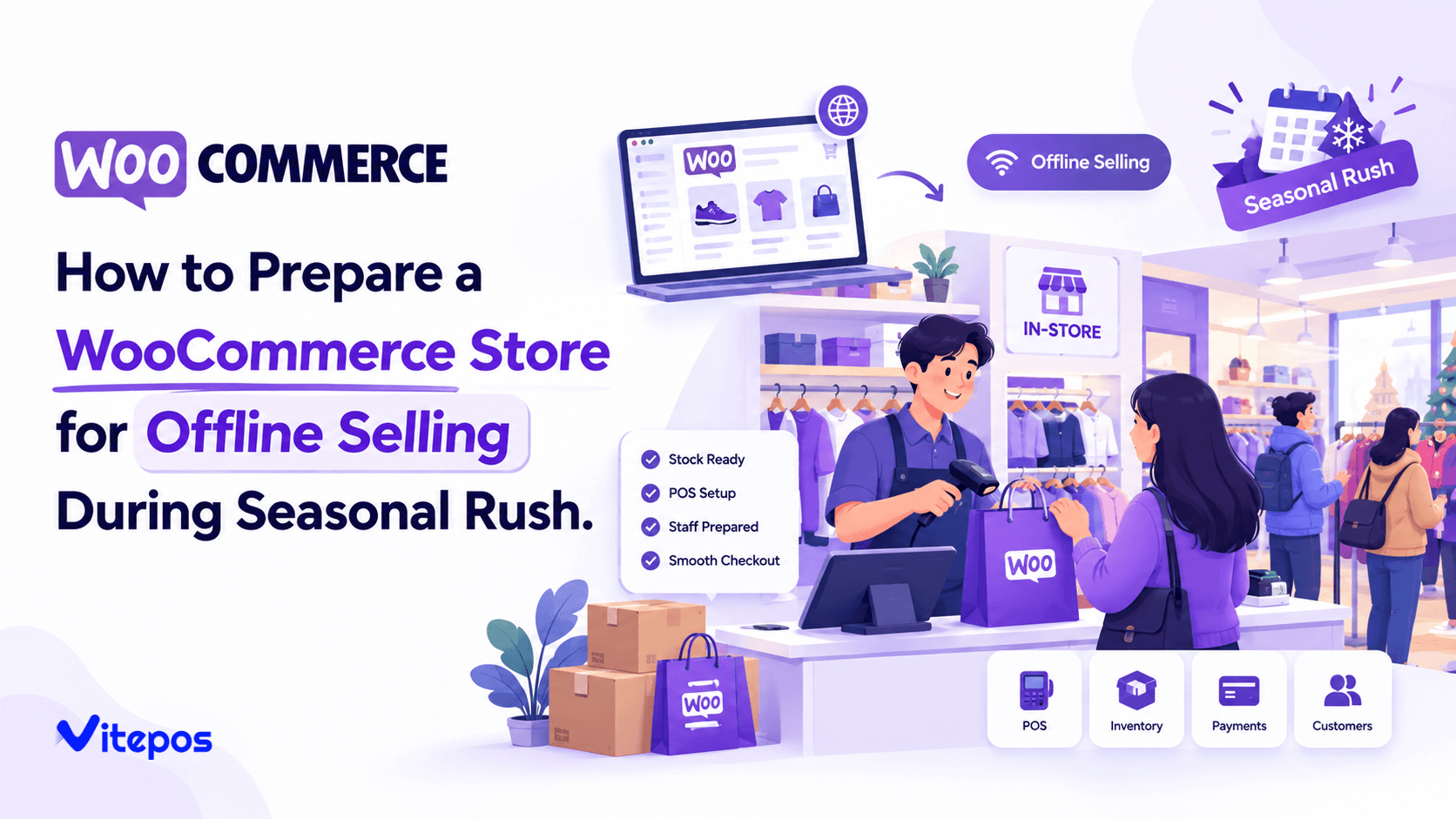
Every retailer that sells through WooCommerce and also rings up sales in person, at a counter, a pop-up table, or a seasonal kiosk, runs into the same problem sooner or later: the internet drops at the worst possible moment. It happens more often during Black Friday, Cyber Monday, and the Christmas rush than at any other time of year, because that is when store networks, mobile data towers, and shared venue Wi-Fi are under the heaviest load.
WooCommerce offline selling is the practice of keeping a checkout running, and keeping sales accurate, when the connection between your point of sale and your WooCommerce store is interrupted. It is not a niche concern. For a store that depends on a stable connection to look up stock, apply prices, and record every transaction, a few minutes of downtime during peak trading hours can mean a queue of walked-out customers, a stack of paper IOUs, and an inventory count that no longer matches reality.
This article walks through why WooCommerce offline selling matters most during seasonal peaks, what causes connectivity to fail in a retail setting, how to diagnose your store’s actual risk, and the practical steps, including point-of-sale configuration, that keep a WooCommerce-based checkout running through an outage. It also looks at where a dedicated point of sale plugin fits into that plan, using VitePOS as a working example of a WooCommerce POS built with offline operation in mind.
Why Offline Readiness Matters Most During Seasonal Rush
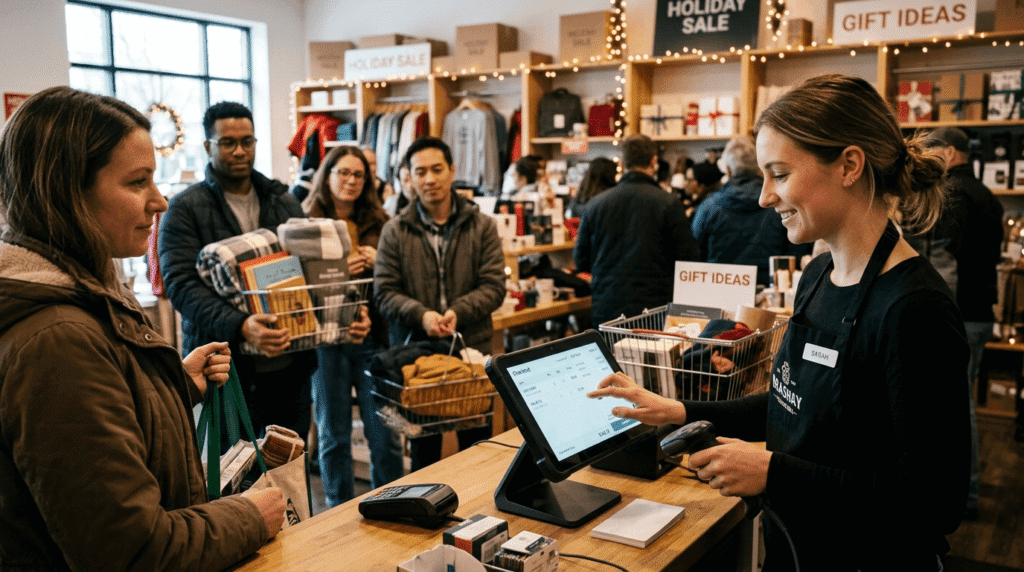
Connectivity problems happen year-round, but their cost is not evenly distributed. A five-minute outage on a quiet Tuesday afternoon is an inconvenience. The same five minutes during the first hour of a Black Friday sale, or on the last Saturday before Christmas, can mean dozens of missed transactions and a line of customers who leave rather than wait.
Industry research on retail downtime backs this up. A 2026 analysis of IT operations in retail and e-commerce, published by Virima, cites Pingdom Industry Downtime Benchmarks putting average enterprise downtime costs at roughly $5,600 per minute during normal operating periods, a figure that climbs past $14,000 per minute for high-volume retail during peak promotional events. The same report references Adobe Analytics’ Cyber Five data showing that shoppers spent more than $38 billion online during the five-day Cyber Five period alone, which gives some sense of just how much transaction volume, and pressure on connected systems, is packed into that single week.
The consequences are not only financial. A well-documented example is the 2017 Black Friday outage at U.S. department store chain Macy’s, where nationwide card-machine problems caused long checkout delays on the store’s busiest trading day of the year. According to reporting from Advantech-Aures, the outage generated a wave of public complaints and visible reputational damage, on top of the direct sales lost to queuing customers who gave up and left. That example is a useful reminder that a WooCommerce offline selling plan is not just about protecting a single day’s revenue. It is about protecting the customer experience during the exact window when most first-time and highest-value customers are walking through the door.
Seasonal rush also compounds the technical strain in ways that do not show up the rest of the year:
- Higher foot traffic means more devices competing for the same in-store Wi-Fi or mobile signal.
- Extended trading hours stretch staff and hardware past their normal daily cycle, increasing the odds of a mid-shift failure.
- Temporary and pop-up locations (holiday markets, mall kiosks, outdoor stalls) often rely on venue-provided or mobile connectivity that was never designed for retail-level transaction volume.
- Shared network congestion, particularly in shopping centers, means your store’s connection quality depends partly on every other tenant’s usage too.
None of this is a reason to avoid selling in person during your busiest weeks. It is a reason to treat WooCommerce offline selling as a planned part of your seasonal setup, not an emergency improvisation.
Why WooCommerce Stores Lose Connectivity During Peak Season
Before fixing the problem, it helps to understand where the failure usually happens. A WooCommerce store’s point of sale typically depends on a live connection for three things: looking up product and stock data, applying pricing and promotions, and recording the finished sale back to the store. Connectivity can break down at several different points along that chain, and each one shapes what a workable WooCommerce offline selling setup actually needs to cover.
1. Local Wi-Fi or router failure. Retail routers are often consumer-grade hardware never intended for the sustained load of a full trading day, and holiday traffic accelerates wear on equipment that was already close to its limit.
2. ISP-level outages. Internet service providers do experience regional outages, and seasonal weather (storms, heavy snow) coincides with the exact weeks retailers most need uptime.
3. Mobile network congestion. Stores relying on a 4G/5G hotspot as their primary or backup connection can find that the same network is overloaded by every other shopper’s phone in the same building.
4. Shared venue infrastructure. Mall Wi-Fi, market organizer networks, and co-working retail spaces put your store’s connection at the mercy of infrastructure you do not control and cannot troubleshoot yourself.
5. Power interruptions. A router or modem without battery backup goes down the moment the power does, even briefly, and modems can take several minutes to fully reconnect afterward.
6. Device or plugin conflicts. Occasionally the interruption is not the network at all, but a POS device, browser, or plugin update behaving unexpectedly under high transaction volume.
Any WooCommerce offline selling plan needs to account for more than one of these causes, because a backup that only solves “the Wi-Fi router died” will not help when the actual problem is an ISP outage affecting the whole street.
What Happens When a WooCommerce Store Isn't Prepared
Without a WooCommerce offline selling plan, a connectivity drop during a busy period tends to play out the same way in most stores. The checkout screen freezes mid-transaction. Staff either turn customers away, take the sale on paper, or, worse, keep selling from memory without any record of what left the shelf. When the connection returns, someone has to reconcile handwritten notes against the till, correct stock counts that no longer match what is showing online, and in some cases contact customers to confirm an order that never actually went through.
The most common symptoms of an unprepared WooCommerce offline selling setup include:
- Stalled checkouts that lock up mid-sale, sometimes requiring a restart that loses the current cart.
- Inventory drift, where in-person sales made on paper are not reflected in the WooCommerce stock count, leading to overselling online later.
- Inconsistent pricing, when staff apply discounts from memory rather than from the system, creating discrepancies at reconciliation.
- Lost sales data, making it difficult to reconcile the till at the end of the day or match transactions to specific customers for receipts, returns, or loyalty tracking.
- Customer frustration and walk-outs, particularly damaging during the exact weeks when a store sees its highest volume of new customers.
How to Diagnose Your Store's Offline Risk
Before deciding on a fix, it is worth spending twenty minutes honestly assessing where your store actually stands on WooCommerce offline selling readiness. A simple internal checklist works well:
| Risk factor | Low risk | Higher risk |
|---|---|---|
| Primary connection | Business-grade fixed internet with SLA | Consumer Wi-Fi or shared venue network |
| Backup connection | Dedicated mobile hotspot, separate carrier | None |
| Power protection | Router/modem on battery backup (UPS) | No backup power |
| Selling location | Same location year-round | Seasonal pop-up, market stall, mall kiosk |
| Past outage history | No outages in last 12 months | One or more outages during peak trading |
| Staff training | Staff know the offline workflow | No documented offline process |
If two or more rows land in the “higher risk” column, offline preparation should move from “nice to have” to a required part of your seasonal rush retail preparation checklist.
General Practical Solutions for Offline Selling Readiness
Some of the most effective fixes for WooCommerce offline selling have nothing to do with software and everything to do with basic redundancy planning.
- Add a second, independent connection. A mobile hotspot on a different carrier than your fixed internet provider means a single ISP outage does not take down both your primary and backup connection at once. This one step closes most of the gap that leaves a retail POS without internet backup exposed during a busy weekend.
- Put critical hardware on battery backup. A small UPS unit for your router, modem, and terminal keeps the network alive through brief power blips, which are common during storm-heavy holiday weeks.
- Keep a manual backup process documented. Even with good technology in place, every seasonal staff member should know the fallback steps: what to write down, how to flag an order for later entry, and who to notify.
- Pre-load high-demand product and pricing data before the rush starts. A short pre-shift sync, done before doors open, reduces how much your system needs to fetch live during the busiest hours.
- Test your backup connection before the season, not during it. A hotspot that has not been used in eight months is not a reliable backup; run it for a full shift at least once before peak trading begins.
- Assign one staff member as the “offline lead” for each shift. During a genuinely busy rush, having one person responsible for noticing a disruption and triggering the backup plan is far more effective than leaving it to whoever happens to be free.
These steps reduce risk regardless of which POS system a store uses. The next section looks at how the point of sale software itself can either help or hinder this plan.
How a WooCommerce POS With Offline Mode Solves This Problem
A general offline plan gets you part of the way, but WooCommerce offline selling depends heavily on whether your point of sale software is actually built to keep functioning without a live connection. This is where a WooCommerce POS with offline mode, rather than a browser-based checkout that assumes constant connectivity, makes a practical difference.
VitePOS is a point of sale plugin built directly for WooCommerce stores, used across retail, grocery, fashion, and other in-person selling formats. Its official plugin listing documents an Offline Mode feature that keeps the POS interface operating when the internet disconnects, storing data locally and syncing it back to the store automatically once the connection returns, rather than requiring staff to stop selling or track transactions manually.
It is worth being precise about what “offline” covers here, because vendors are not always consistent about this and it affects what a store should expect from its WooCommerce offline selling setup. According to VitePOS’s own plugin documentation, two related capabilities are listed separately:
Capability | Included in |
Offline Mode — keeps the POS interface running and data available when the connection drops | Pro plan |
Offline Order — processes and stores complete offline transactions for automatic sync once back online | Pro plan |
For a store planning around WooCommerce offline selling during a specific seasonal window, that distinction matters when deciding which plan to run. It is the difference between a POS that merely stays visible during an outage and one offering full offline order processing WooCommerce stores can rely on to complete and record a sale without a live connection. Neither capability is included in the free (Lite) plugin, so any store that expects to need offline selling during its seasonal rush should plan for the Pro plan from the start, rather than discovering the gap mid-rush.
Beyond offline handling specifically, VitePOS’s documented feature set is relevant to seasonal preparation more broadly: dynamic inventory sync (updating stock in real time to prevent overselling once connectivity returns), unlimited outlet and counter management for stores running more than one seasonal location, and role-based access control so temporary seasonal staff can be given limited permissions rather than full admin access. None of these features guarantee a connection will never drop, but a WooCommerce POS offline mode built this way reduces how much manual reconciliation is needed once the connection comes back.

Step-by-Step Guide: Preparing Your WooCommerce Store for Seasonal Offline Selling
The steps below turn the general principles above into a concrete WooCommerce offline selling checklist you can run through before each peak season.
- Audit your connectivity setup at least four weeks before your peak season.Identify your primary connection, confirm whether you have a genuinely independent backup, and check that both have been tested within the last month.
- Confirm your POS plan covers the offline behavior you actually need.If you are running VitePOS, confirm you are on the Pro plan, since offline capability (both Offline Mode and Offline Order) is not included in the free plugin, and upgrade in advance if your seasonal selling format (extended outdoor hours, a temporary venue, multiple pop-up outlets) is likely to involve longer disconnections.
- Pre-sync your product catalog, pricing, and promotions before opening on your busiest days.Run this the evening before or first thing in the morning, while the connection is stable, rather than relying on real-time lookups during peak hours.
- Set up and physically test your backup connection on-site.A hotspot that works at home may perform differently inside a crowded venue; test it in the actual selling location if possible.
- Put routers, modems, and card readers on battery backup where practical.This is a small hardware cost that prevents a brief power flicker from becoming a full checkout outage.
- Brief every seasonal staff member on the offline workflow before the rush begins, not on the first busy day. Cover what happens on screen when the connection drops, how orders are recorded, and who to flag issues to.
- Decide your backup payment method in advance.Card-only checkouts can be blocked entirely by certain network failures; having a documented fallback (offline card authorization, cash, or a manual card imprint process where supported) avoids losing the sale entirely.
- After each peak trading day, verify that offline transactions synced correctly.Spot-check a handful of orders against your WooCommerce dashboard before assuming the day’s reconciliation is complete.
- Keep a short printed reference card at the countercovering the offline steps, for the inevitable moment when the person on shift is new or has forgotten the process under pressure.

Common Mistakes to Avoid
A handful of avoidable mistakes account for most of the WooCommerce offline selling failures stores run into during peak season.
- Testing the backup plan for the first time during the actual rush.A hotspot, UPS, or offline mode setting that has never been tested under real load is not a tested backup.
- Relying on a single point of failure.Using the same carrier for both a “primary” and “backup” mobile connection, or plugging both router and backup hotspot into the same unprotected power strip, defeats the purpose of redundancy.
- Skipping staff training because “it probably won’t happen.”The staff on shift during the exact hour of an outage are the ones who determine whether it costs you five minutes or fifty.
- Not verifying sync after reconnecting.Assuming offline transactions synced correctly without checking can let inventory and sales data quietly drift out of alignment for days.
- Choosing a WooCommerce point of sale system based on normal-week needs rather than peak-week needs.A plan that is adequate in March may not cover the offline order volume a store sees in the week before Christmas.
- No documented fallback for card-only outages.If your only payment option requires a live connection, a network failure can stop sales completely rather than just slowing them down.
Additional Tips
A few smaller habits round out a solid WooCommerce offline selling routine without adding much extra work.
- Schedule a full test run of your offline setup at least once before the season starts, ideally during a real, if smaller, trading day rather than a quiet closed-door test.
- Keep a printed backup price list or product catalog for your highest-volume items, useful if a device itself, not just the connection, becomes unavailable.
- Charge all backup devices (hotspots, tablets, card readers) fully the night before each peak trading day.
- If you are selling from a shared venue, contact the venue organizer in advance to ask about their network capacity and whether other vendors will be competing for the same Wi-Fi.
- Build offline-mode verification into your daily opening and closing checklist for the entire peak season, not just the first day.
When Professional or Technical Help May Be Required
Most seasonal WooCommerce offline selling preparation can be handled by store owners and staff directly, but a few situations are worth bringing in outside help for:
- Multi-outlet or multi-counter setupswhere sync conflicts between locations need proper configuration rather than a quick fix.
- Persistent hardware failuresthat recur across multiple shifts, which usually point to a router, modem, or device issue rather than a one-off network blip.
- Custom WooCommerce integrations(non-standard payment gateways, third-party inventory tools) that may behave differently during offline periods and need vendor-specific testing.
- Uncertainty about which plan or settings your POS needsfor your specific offline requirements. For VitePOS specifically, the official offline mode documentation and support channels are the right first stop before the season starts, not during it.
Frequently Asked Questions
Yes, provided the point of sale software used at checkout is built to support WooCommerce offline selling. A standard browser-based checkout that assumes a constant connection will typically fail, while a POS with a dedicated offline mode can keep processing at the counter and sync the data back to WooCommerce once the connection returns.
Offline Mode generally refers to the POS interface continuing to run and display data when the connection drops. Offline Order refers specifically to completing and storing full transactions while offline, for automatic sync afterward. In VitePOS, both are part of the Pro plan; the free (Lite) plugin does not include offline functionality, so it is worth confirming Pro coverage in advance if offline selling is part of your seasonal plan.
Spot-check a sample of the transactions made while offline against your WooCommerce dashboard once the sync completes, rather than assuming it processed correctly. For extended offline periods, a full stock reconciliation before your next trading day is worth the time.
A mobile hotspot on a different carrier than any fixed connection at the venue is generally the most practical backup, since it does not depend on shared venue infrastructure. Test it on-site before the season, since signal strength can vary significantly by location.
That depends on your payment processor and hardware. Some card readers support offline authorization up to a set transaction limit, while others require a live connection for every transaction. Confirm this with your payment provider in advance, and have cash or a manual fallback process ready regardless.
Conclusion
WooCommerce offline selling is not a problem that can be solved after the fact, once the queue is already backing up on Black Friday morning. It is solved in the weeks before the season starts, by auditing your connectivity, testing a genuine backup, training staff on the fallback process, and confirming that your point of sale software, whether that is VitePOS or another platform, actually supports the level of offline operation your selling format requires.
None of this eliminates the possibility of a connection dropping during your busiest week. It simply means that when it does, your store keeps selling, your inventory stays accurate, and your customers barely notice the difference. That is the real goal of WooCommerce offline selling: not a perfect network, but a store that keeps working regardless of what the network does.
Subscribe
To get news about new releases, Updates, Blog Post, Deals and Discounts
Like this content? Want to share it with others
Vitepos Related Plugins

Vite Coupon
Vite Coupon is a comprehensive coupon management system designed to simplify the creation, distribution, and tracking of discount coupons for online businesses. This plugin integrates seamlessly with various e-commerce platforms, offering a user-friendly interface and robust features to enhance promotional strategies.

Vitepos User & Kiosk App
Vitepos User App is an addon that lets customers place orders directly, making shopping and dining faster and more convenient. Guests can scan a table QR code to view menus and order instantly, with orders processed by the Vitepos Core App for smooth workflow. It also supports kiosk devices, enabling self‑service stations for quicker service.

Vite Rewards
Vite Rewards is a comprehensive loyalty points plugin designed to incentivize customer engagement and boost sales on your WooCommerce store. With a wide range of features, ViteRewards allows you to reward customers for various actions and interactions, creating a more engaging shopping experience.

Mini Cart Drawer
It is a compact and user-friendly shopping cart solution that enhances the shopping experience by allowing customers to view and manage their cart directly from any page without navigating away. It integrates seamlessly with your website, improving convenience and boosting conversions.

