Vitepos
< 1 min read
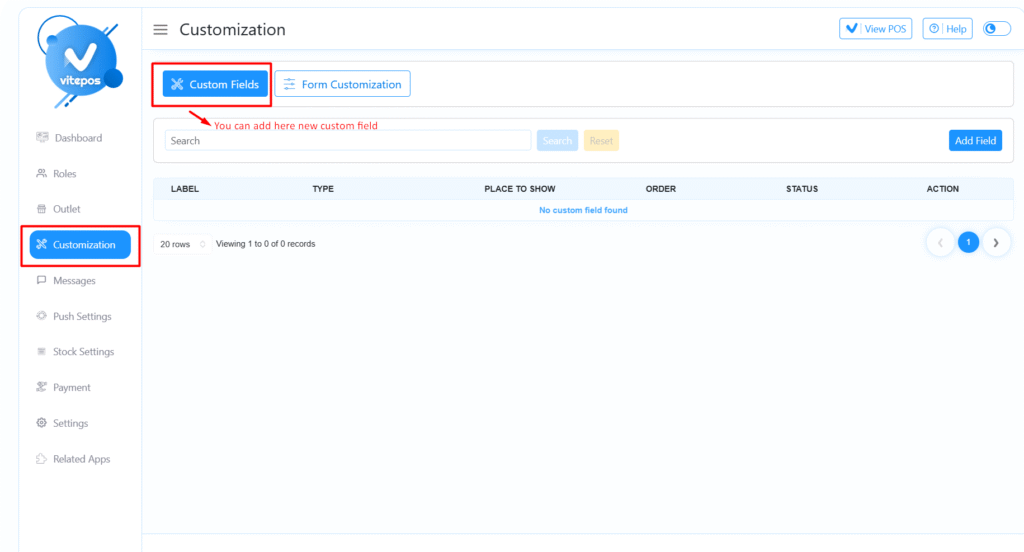
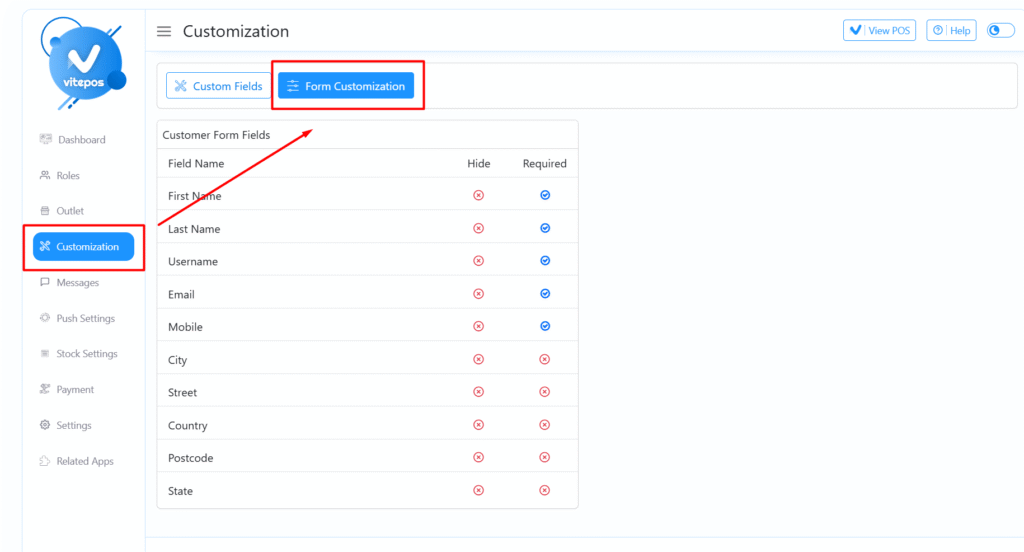
To begin, navigate to the VitePOS Admin Panel, then go to the Customization section.
Click on the “Form Customization” tab.
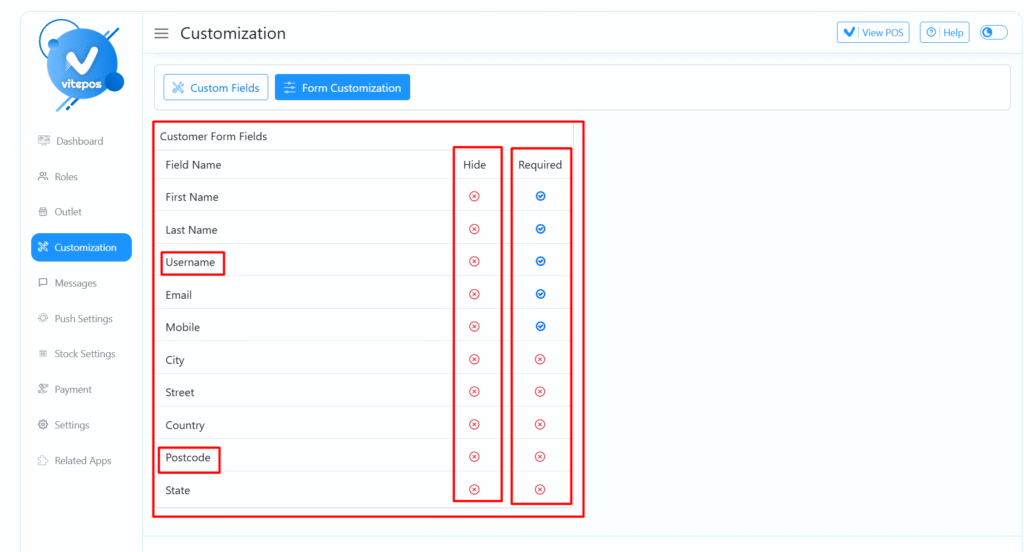
Here, you can modify the Customer Form fields according to your business needs—add, remove, or rearrange fields as needed.
For a complete walkthrough, watch the VitePOS Customer Form Customization Video:
Powered by BetterDocs