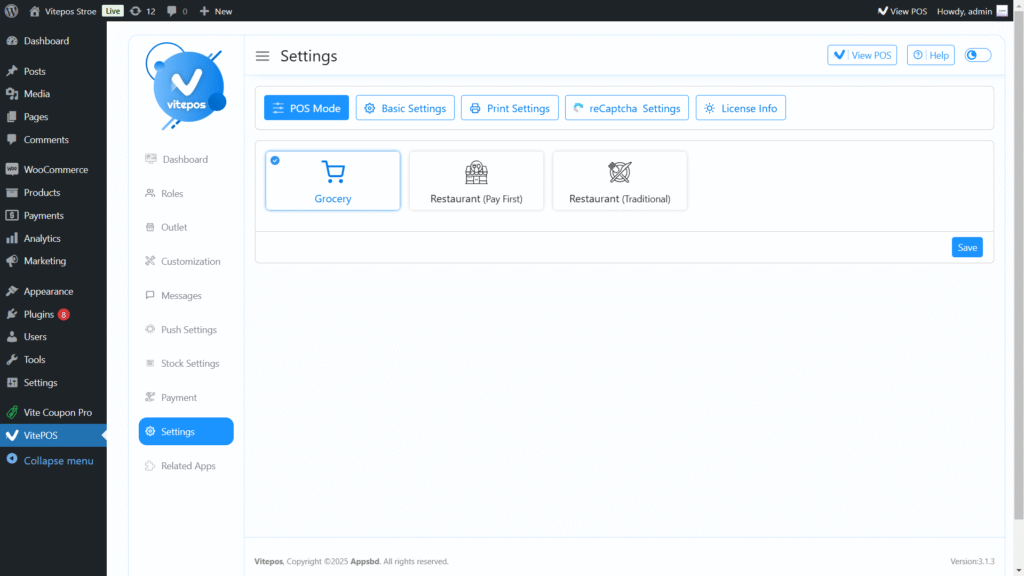
Go to the VitePOS Admin Panel and open the Settings Module. – In the POS Mode tab, select Grocery Mode and click Save.
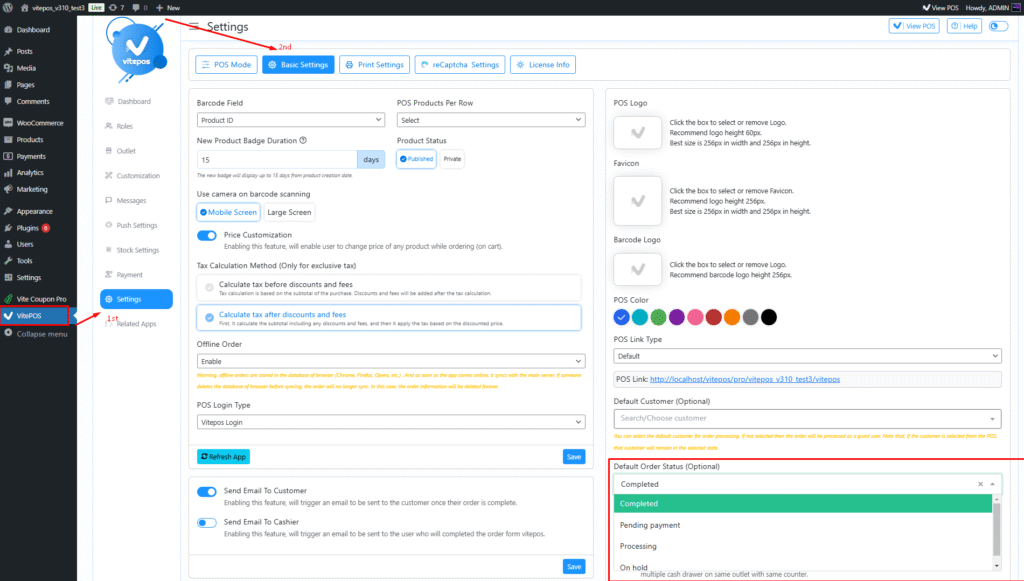
Next, navigate to the Basic Settings tab. – On the bottom-right side, you’ll find the Default WooCommerce Order Status option. Set it as per your requirement and save the configuration.
For more details, watch our VitePOS – Set Order Status in Grocery POS video.