Vitepos
< 1 min read
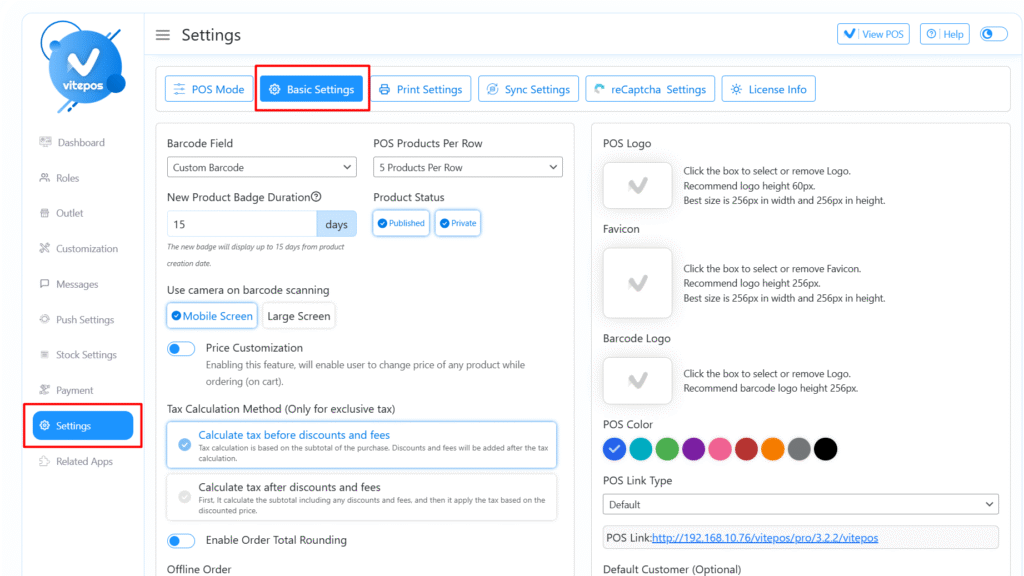
Navigate to the VitePOS Admin Panel > Settings Module, then click on the Basic Settings tab.
Find the “Enable Token Number” switch, toggle it ON, and save the settings.
Next, go to the Print Settings tab.Open the “Order Info on Print” section, enable the Token Number switch, and click Save.
Navigate to the VitePOS POS Panel, add a few items to the cart, and complete the order.
After the order is completed, you’ll see the Token Number displayed on the invoice as a sequential number.
For a step-by-step visual guide, check out the VitePOS Token Number Video Tutorial:
Powered by BetterDocs