Vitepos
< 1 min read
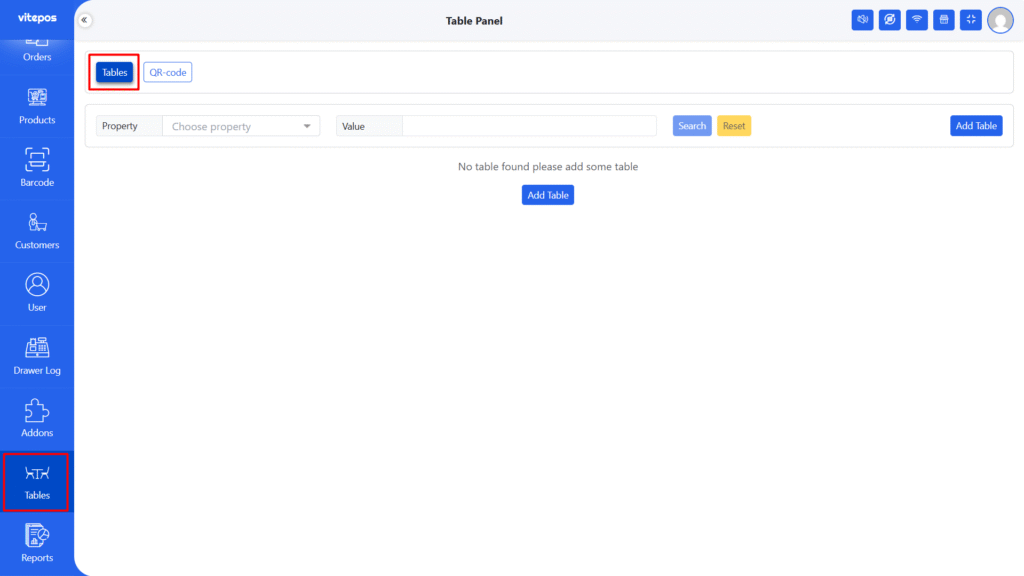
Inside the POS Panel, go to the Table Module to manage all restaurant tables.
To create a new table:
Click the “Add Table” button.
Fill in the required details and save.
You can generate a QR Code for each table, allowing seamless integration with the Vitepos User & Kiosk App for self-ordering.
⚠️ Note: Make sure the Vitepos User and Kiosk App is installed and activated. QR Code generation won’t work without it.
Go to the QR-Code Tab under the Table Module.
Choose the quantity of QR codes, add an optional note, and select the paper type. Click Print to generate and print the QR codes
Watch how to generate QR Codes for restaurant tables
Powered by BetterDocs